




CustomerPlease send 40 boxes of packing tape and an invoice with 14-day payment terms.
AI agentI have prepared the order, the invoice and the warehouse request. Do you approve?
Sales repApproved.
AI automation that saves you time and money
An order from an email retyped into the system. An invoice issued by hand. Stock levels corrected in Excel, a report pieced together on Friday afternoon. Each of these tasks takes a moment, but together they consume whole jobs and breed mistakes. We help companies tidy up their processes and hand repetitive, error-prone work over to AI automation. The team gets its time back, and the company stops paying for fixing mistakes.
AI voicebot: every call to your store answered, at any hour
A voicebot is an AI voice assistant that talks to your customers on the phone. It answers questions, logs requests and takes orders from your catalog, including evenings and weekends. In the morning your team gets a ready-to-handle case by email.
See how the voicebot worksKey points
- What we do: we automate repetitive processes in your store and your company, from orders to reports.
- Why: less manual work, fewer mistakes and lower handling costs.
- How: we start with one process, measure the result and only then move on.
- With what: AI agents built on Claude models, n8n and integrations with your systems.
- Control: important decisions are always approved by a person.
What AI automation is
AI automation means handing repetitive work to software that understands content: it reads an email, an invoice or a support request and knows what to do with it. Ordinary automation follows rigid rules, so it gets lost at the first exception. AI also copes with things that arrive in an unusual form.
It is a bit like a new employee you show the process to once. Except this one does not get tired at the thousandth order and does not mix up digits in a VAT number. It takes the boring part, and people take care of customers and decisions.

Where your company loses time and money
Retyping orders
Orders come in by email, by phone and as PDFs, and someone keys them into the store or the ERP. Line by line.
The same data in several systems
A price, a stock level or a customer address corrected separately in the store, the ERP and a spreadsheet. Forgetting once is enough.
The same customer questions, again and again
Where is my parcel, when will it arrive, how do I return it. Support answers these dozens of times a day.
Reports assembled by hand
Export, copy, paste, pivot table. Every week from scratch, usually when there is the least time for it.
A catalog without descriptions
Thousands of products wait for descriptions, attributes and translations, because nobody has three spare months for it.
What you gain
Your team’s time back
People stop retyping data and watching spreadsheets. They take care of customers, sales and matters that need a decision.
Fewer costly mistakes
Data moves between systems without retyping. There are fewer typos in addresses, wrong prices and duplicated orders.
Lower handling costs
The same team handles more orders. Growing sales do not immediately mean new hires.
Work that continues after hours
Automation does not end its day at 4 PM. An order from the evening is already in the system in the morning.
What we automate
Tasks that come back every day and look much the same each time are the easiest to automate. In online stores and B2B wholesalers we usually start with these:
- Orders from emails, files and phone calls go into the store or the ERP without retyping.
- Invoices and documents: reading the data, matching it to the order, passing it to accounting.
- Product descriptions, attributes and translations for the whole catalog.
- Answers to repetitive customer questions: in chat, by email and on the phone.
- Order statuses, shipping labels and notifications for buyers.
- Complaints and returns: logging the request, collecting complete data, passing it to the right person.
- Sales, margin and stock reports that arrive in your inbox by themselves.
- Prices and stock levels kept in sync between the store, the ERP and suppliers.
Learn more: integrations and process automation with n8n.
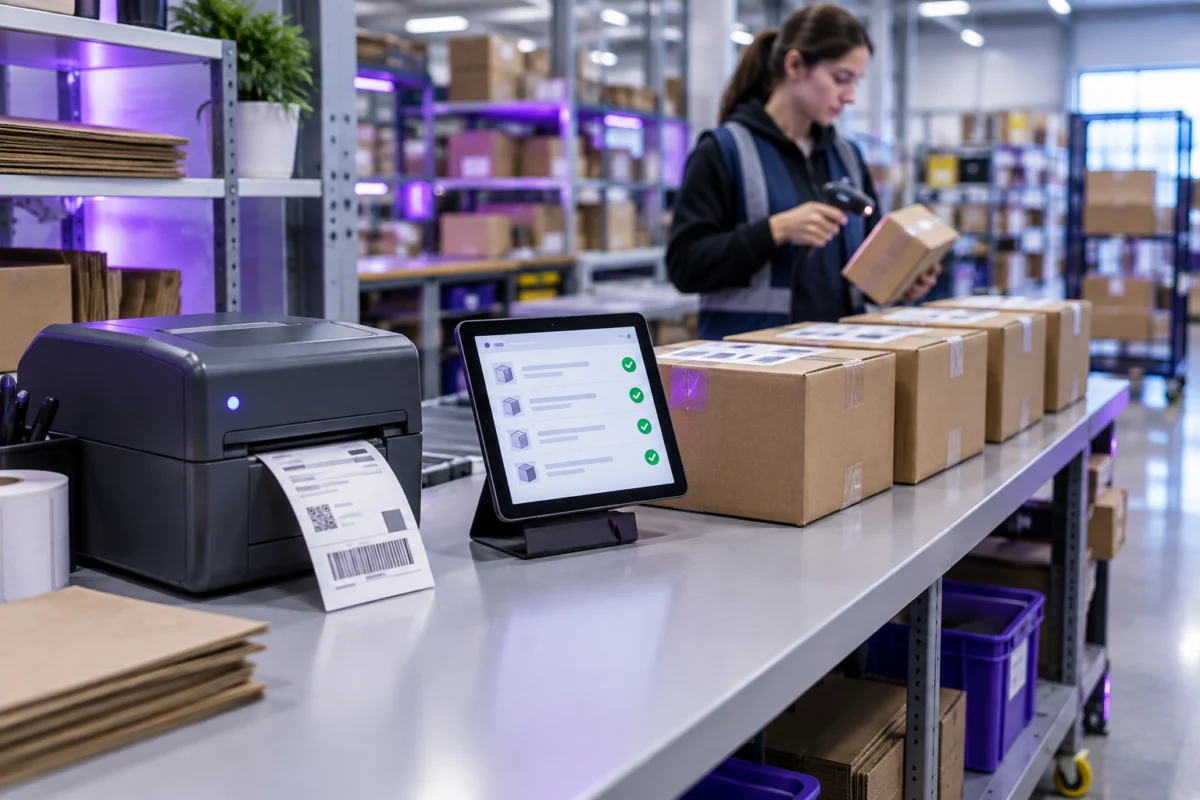
AI agents that help you run the store
We can connect AI agents built on Claude models to your store. An agent has access to the store’s data and tools, so it does real work, always within the permissions it was given and under your control.
An agent built on Claude models
You assign a task in plain language, and the agent prepares the changes and waits for approval.
Catalog and content
Descriptions, translations, attributes and SEO for thousands of products.
Analyses and reports
Sales, margins, stock levels and trends presented in a clear form.
Customer service
Answers to questions about products, delivery and order status, while harder cases go to your team.
If someone in the company does the same thing the same way for the third time, it is usually a job for automation.
The ECOMPLUS+ teamA store built with AI, when an off-the-shelf platform is not enough
Sometimes manual work comes from a system that does not fit the company, so people have to work around it. In that case we build the store from scratch, using AI tools such as Claude, Cursor and Codex. AI speeds up coding, testing and documentation, while experienced developers design the architecture and review every line. This is mainly a solution for non-standard projects, especially in B2B.
- Unusual B2B processes: complex price lists, negotiations, approvals and credit limits.
- Lightweight code without unnecessary modules, so pages load fast on phones too.
- Features built around your processes, not processes bent to fit the system.
- The code and the data belong to you, with no license fees or sales commissions.
How we implement automation
Process map
We sit down with your team and write down who does what by hand and how long it takes.
The first process
We pick one: repetitive, frequent and measurable. That is where the result shows fastest.
Design
We agree what the automation does, what a person approves and which systems we connect to.
Pilot
We launch the automation on real data, on a small scale first.
Measurement
We check time, error count and the team’s feedback. Numbers, not impressions.
Growth
We add further processes and AI agents, and keep the running automations under our care.

When automation does not pay off
Not every process is worth automating. If something happens once a month and takes fifteen minutes, it is cheaper to leave it to a person. If a process looks different every time, it has to be put in order first, because automation will only cement the mess. And sometimes an off-the-shelf module or a simple rule is enough, with no AI at all. We will say so plainly before we quote anything.
Frequently asked questions about AI automation
How is AI automation different from ordinary automation?
Ordinary automation executes rigid rules, while AI understands the content of an email, a document or a support request. That lets it handle exceptions and data that arrives in different forms. In practice we combine both approaches.
Where should a company start with automation?
With one process that is repetitive, frequent and easy to measure, for example entering orders from emails. After the pilot you can see how much time goes back to the team, and deciding on the next steps is easier.
Will AI replace my employees?
That is not the goal. Automation takes retyping data and watching spreadsheets off people’s hands, while decisions and customer contact stay with the team.
Can an AI agent break something?
An agent works within the permissions we give it. It prepares important changes for approval, and the final decision belongs to a person.
Is my company’s data safe?
An agent gets access only to the data and tools it needs for the task. We agree the scope of permissions with you before launch.
How much does AI automation cost?
It depends on the process and the number of systems that have to be connected. We give a quote after a short analysis, and we start with one process so that the cost can be compared with the result.
Do the automations work only with a PrestaShop store?
No. We also automate work outside the store: in the ERP, the CRM, email and spreadsheets. We have the most experience in e-commerce and B2B sales.
Let’s check how much manual work we can take off your team
Tell us what is done by hand in your company. We will point out the processes worth starting with, and those not worth touching.